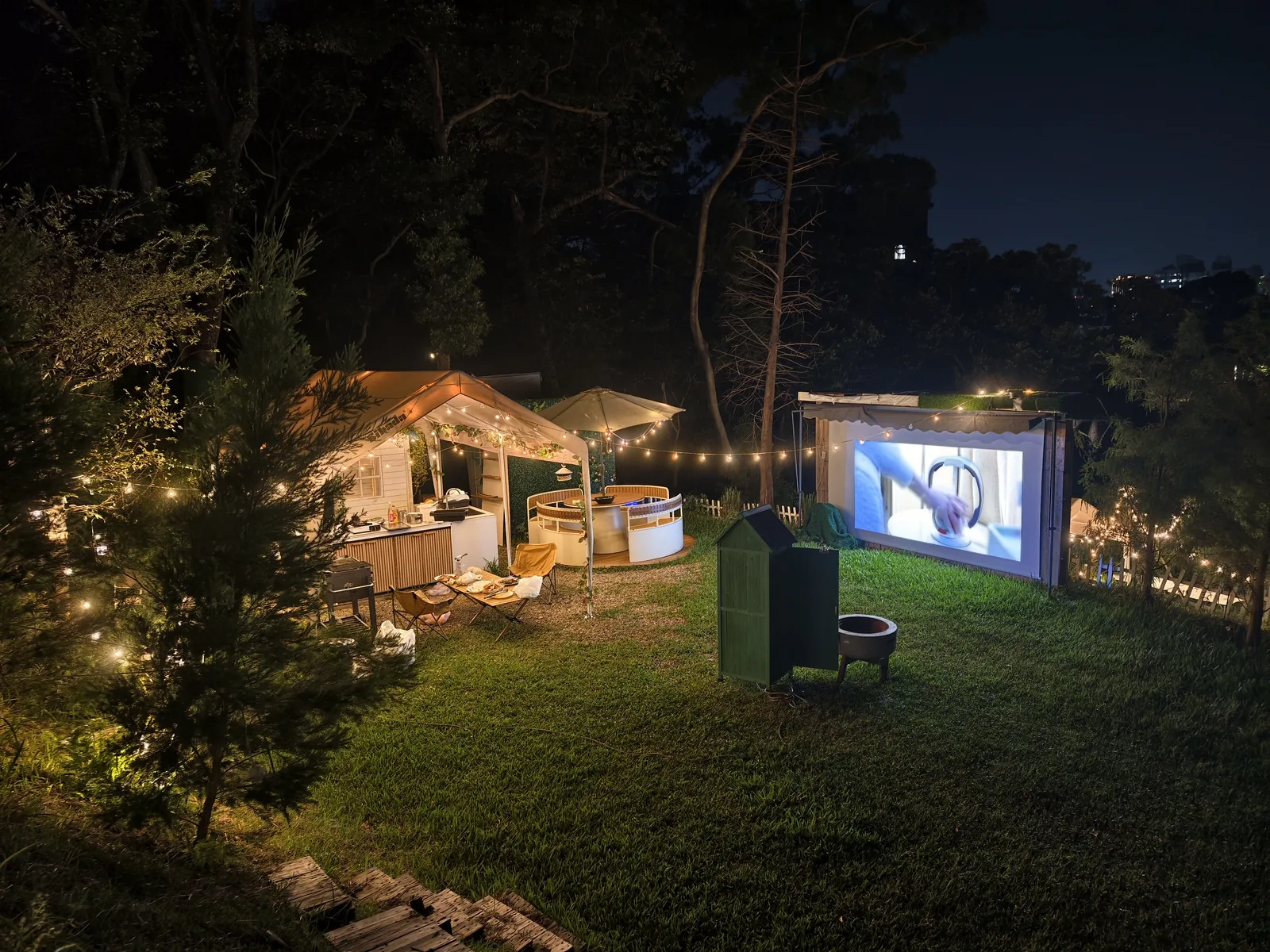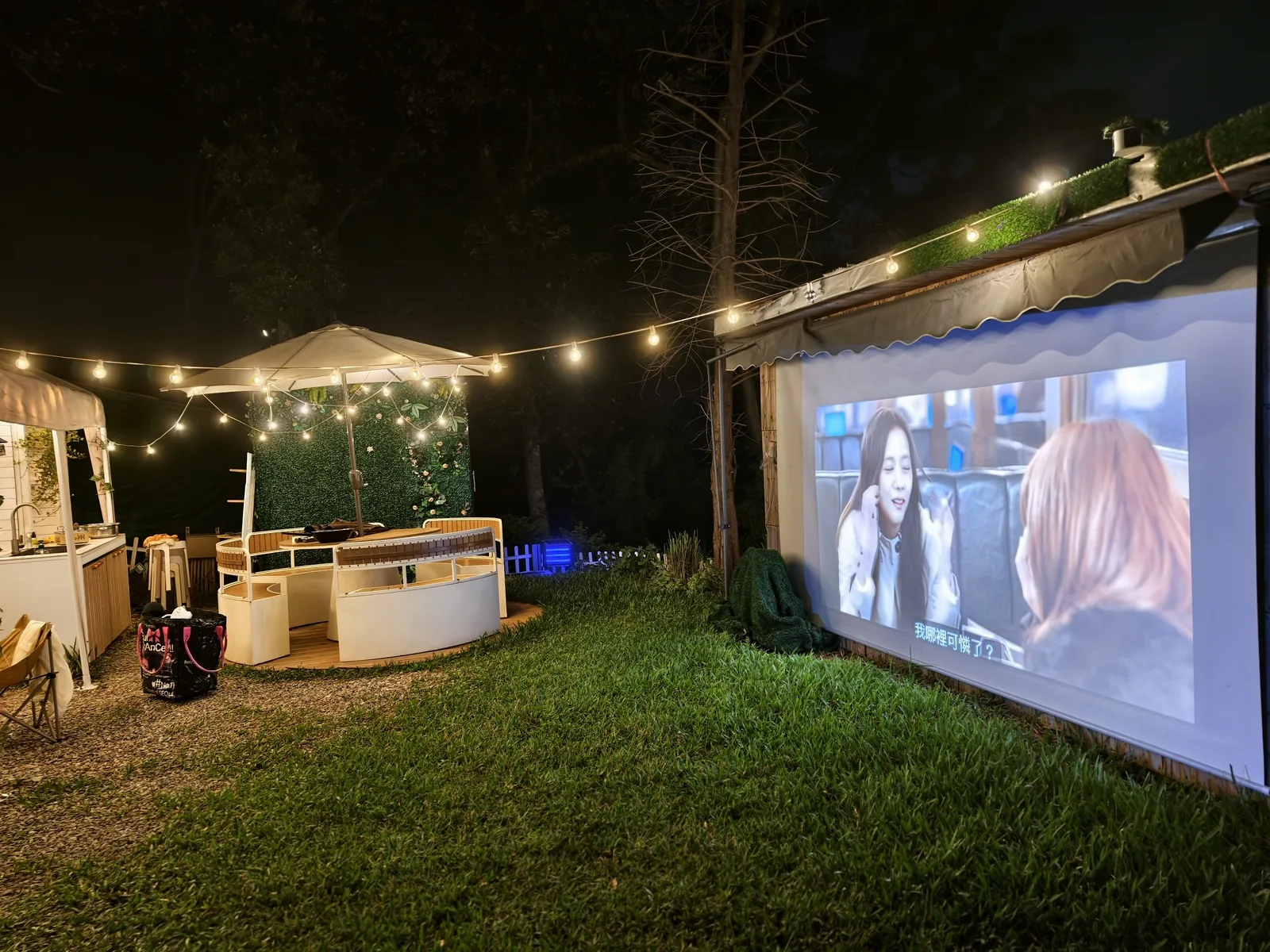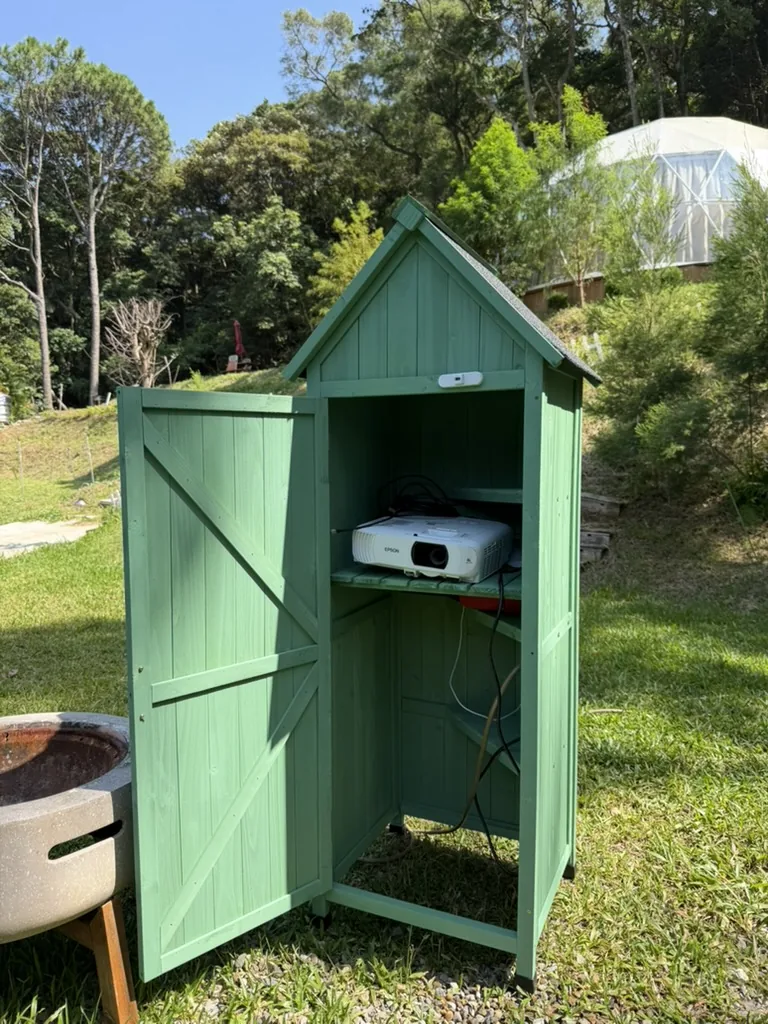
Equipment inside the cabinet
- Epson outdoor projector
- USB-C mirroring cable
- Standard HDMI cable
- Bluetooth speaker
You do not need a separate password for this cabinet.
Balloon Tent / Private Lawn Equipment
The green equipment cabinet on Balloon Tent's private lawn contains an Epson projector, USB-C mirroring cable, HDMI cable, and Bluetooth speaker for outdoor movies and music.
Quick guide: Use the same access code as Balloon Tent. The rightmost projector button is Power; the button to its left is Source Search. HDMI 1 uses the supplied USB-C mirroring cable, while HDMI 2 uses a standard HDMI cable for a laptop.
You do not need a separate password for this cabinet.
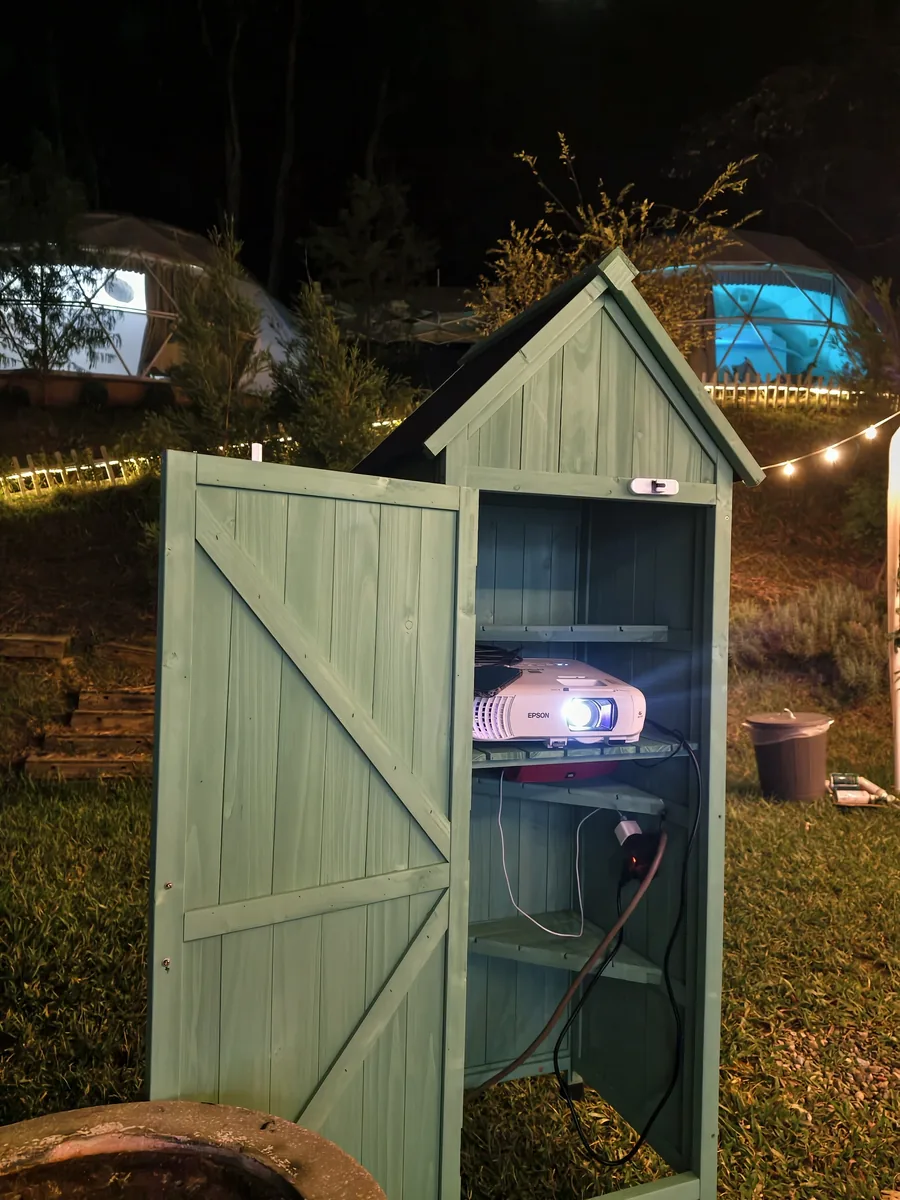
Press the rightmost Power button. The indicator will flash while the lamp warms up. Wait about 20 seconds for the image to appear on the outdoor screen.
The button to the left of Power is Source Search. Press it if the connected device does not appear automatically.
Connect a USB-C phone or tablet that supports video output to the supplied cable. The same screen will be shown on the outdoor display through a stable wired connection. Some phones do not support USB-C video output, so please check your device specifications.
Use the standard HDMI cable for a laptop or another HDMI device. If the screen stays blank after connecting, press Source Search and select HDMI 2.